
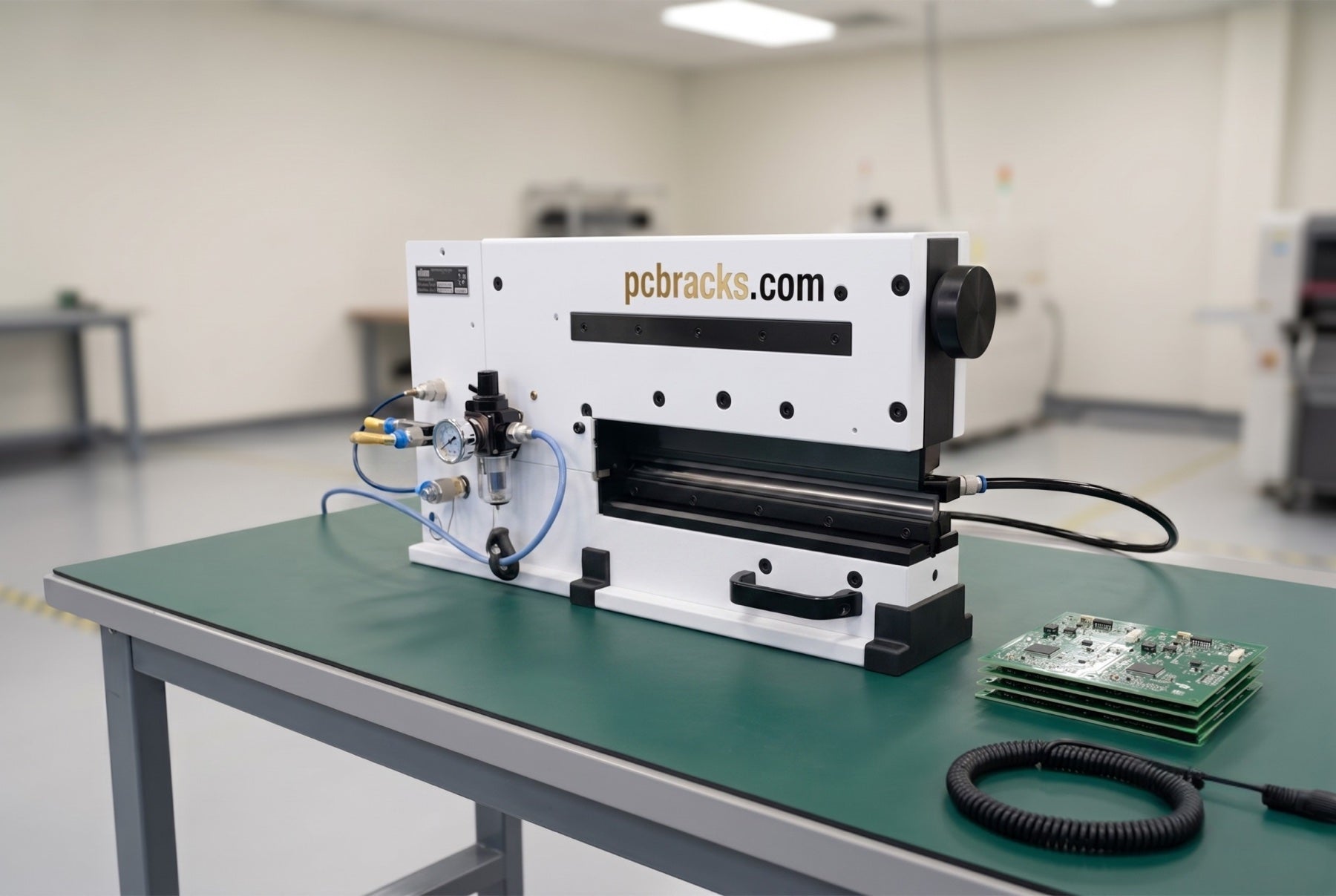
Blade gap and alignment on a V-cut depaneler
Setting the constant gap with a 0.05 mm (0.002 in) feeler, the opening gap at the knob, re-tensioning a knob that will not hold, and where the Blade Calibrator comes in. VPD5-330 and VPD3-1M.
The gap between the upper and lower knives is the single setting that decides whether a separated board has a clean edge or a fuzzy one. It is set once at installation, and again at every knife change, which is why it is worth knowing rather than guessing. It is not set by eye. It is set with a feeler gauge along the whole length of the cut.
Before you start: on the VPD5-330 the knife is held down by trapped air, not by a mechanical lock, so keep hands clear of the gap while the locking bolts are loose. On the VPD3-1M, engage both carriage end locks. Handle every blade by the back edge only.
VPD5-330, the constant gap
- Bring the upper knife down and trap it there. Press and hold the foot switch so the upper knife comes down and rests on the lower one, then close the sliding hand valve. The cylinder stays pressurized below the piston, so the knife holds its position while you work.
- Set the height of the lower knife.
The lower knife is left loose for exactly this. Four hex screws on the support plate move it: clockwise raises the lower blade, counter-clockwise lowers it.

The lower knife seat. Four locking bolts hold it, and they are tightened last, with the knife held steady so the gap does not move as they pull down. - Run a 0.05 mm (0.002 in) feeler through the gap.
Adjust until the gauge slides smoothly along the full 330 mm (12.99 in) of cut, not just where you happen to be standing. Then tighten the four locking bolts on the lower knife, holding it steady so the setting does not shift as they come down.

Smooth in the center and tight at one end is the classic cause of a cut that is clean at one edge and ragged at the other. - Set the opening gap at the knob.
A v-scored panel should enter the groove and slide smoothly. If it goes in with noticeable play the gap is too wide: turn the adjustment knob clockwise while pressing the foot pedal. If it will not enter at all, turn the knob counter-clockwise to open it.

Clockwise closes the gap, counter-clockwise opens it. This is the control an operator touches; everything else is set once. - If the knob will not hold its setting, re-tension it.
A knob that feels loose on its shaft, or a gap that drifts under load, means the jam nuts behind it have backed off. Wind the knob clockwise until the upper blade is at its lowest position to expose them. The job needs two 19 mm wrenches: hold the first nut, back the second one off, run the first nut up hard against the knob so there is no gap at all, then lock the second nut against the first.

Counter-clockwise on the outer nut frees the pair. 
Clockwise locks it back down with no play left. - Use the Blade Calibrator for deviation, not the feeler.
The feeler sets the gap. The Blade Calibrator sets the deviation between the upper and lower blade, and it is what you reach for after extended use or any knife change. It ships with the machine and it is a precision spacer, not a shim you can substitute.

The Blade Calibrator supplied with the VPD5-330. If it has gone missing from your machine, we can replace it.


VPD3-1M, blade height
The manual machine has no feeler procedure. The upper circular blade works against the lower linear blade, and their relationship is set at the knurled knob: clockwise brings the upper blade down, counter-clockwise raises it. Continue until the cut is clean through the score without the blade loading the board. Because the two blades wear against each other, they are changed as a pair, never one at a time.

When to do this again
- Every knife change. A new pair does not land on the old setting.
- When the cut goes ragged at one end and stays clean at the other. That is the gap losing its constancy along the length, not a worn edge.
- When the gap drifts under load. That is the knob, and it is the jam nut job above rather than a re-set.
- As a routine check. The 0.05 mm feeler should still slide smoothly along the full cut length. If it does not, re-run the procedure.
If the edge is fuzzy across the whole cut instead of at one end, the gap is not your problem. That is an edge condition and it lives in blade life and when to change a blade. Send us the serial number off the frame and we will confirm which pair your machine takes before you order.
Setting a gap on knives that are already done?
Blades are changed as a matched pair on both machines. Tell us the serial number and we will confirm the pair before you order, so you are not resetting a gap around an edge that was finished two months ago.
Dimensions vérifiées ? Le finder transforme votre carte en référence exacte.